
Big Walk Radio Transmitters — Network Guide
A transmitter-versus-receiver guide with landmark locations, message format, train broadcasts, and a no-audio checklist.
Table of contents
Big Walk's fixed radio stations form an island-wide broadcast network. One player speaks into any transmitter while friends listen beside receivers at other landmarks. The system is most useful for recovering a scattered group, but only if everyone knows which half of the station does what.
Transmitter versus receiver
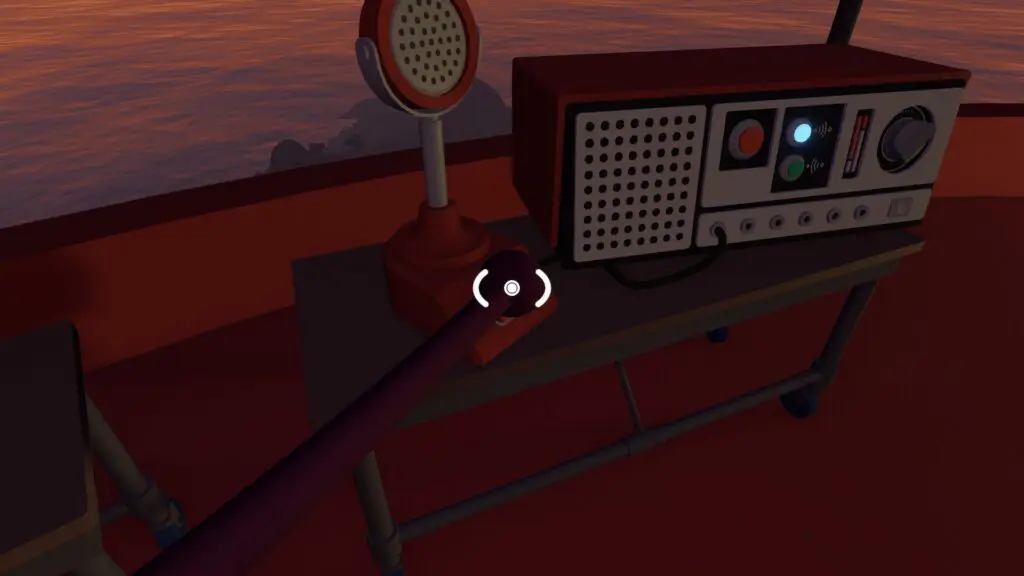
At each station, identify two parts:
- Transmitter: the microphone with a button. Hold the button while speaking.
- Receiver: the nearby box that plays broadcasts. Stand near it and listen; no button is required.
A transmission from one fixed microphone is heard at the other fixed receivers across the island. Speak at normal conversational volume. Shouting does not increase the network's range and makes a location message harder to understand.
Send a useful location message
Hold the transmitter button for the entire message and use this order:
- name the station you are using;
- name the landmark where the missing player should go;
- state whether the main group will wait or keep moving;
- repeat the destination once;
- release the button and wait beside the receiver for a reply.
For example: “Broadcasting from Red Tower. Meet outside the Map Room. We will wait by the red flare. Map Room, red flare.” A landmark survives imperfect audio much better than “come over here.”
Confirmed station locations
| Route area | Where to look | Useful nearby task |
|---|---|---|
| Map Room shortcut | Outside the Map Room near the red flare and shortcut door back toward the tutorial | Early-island reunion |
| Red Tower | On top of the control-panel tower | Coordinate and Map Room directions |
| Blue Tower | On top of the control-panel tower | Train pickup planning |
| Green Tower | On top of the control-panel tower | Chairlift boarding plan |
| Yellow Tower | On top of the control-panel tower | Tunnel-entry head count |
| Red, yellow, and green trains | Back carriage of each train | Contact while the train loop carries the broadcaster |
| Central mountain | At the summit | Long-range landmark scan |
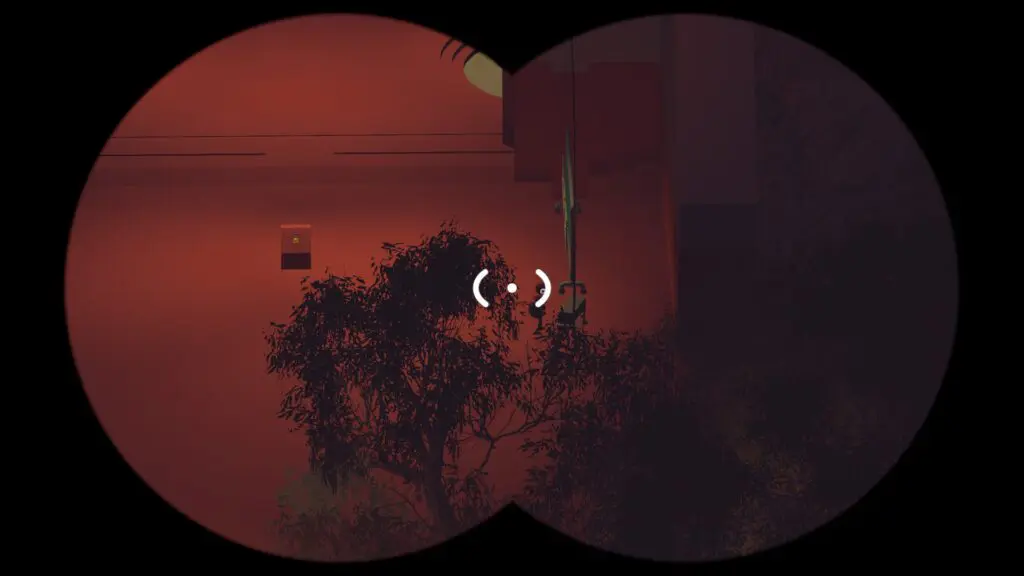
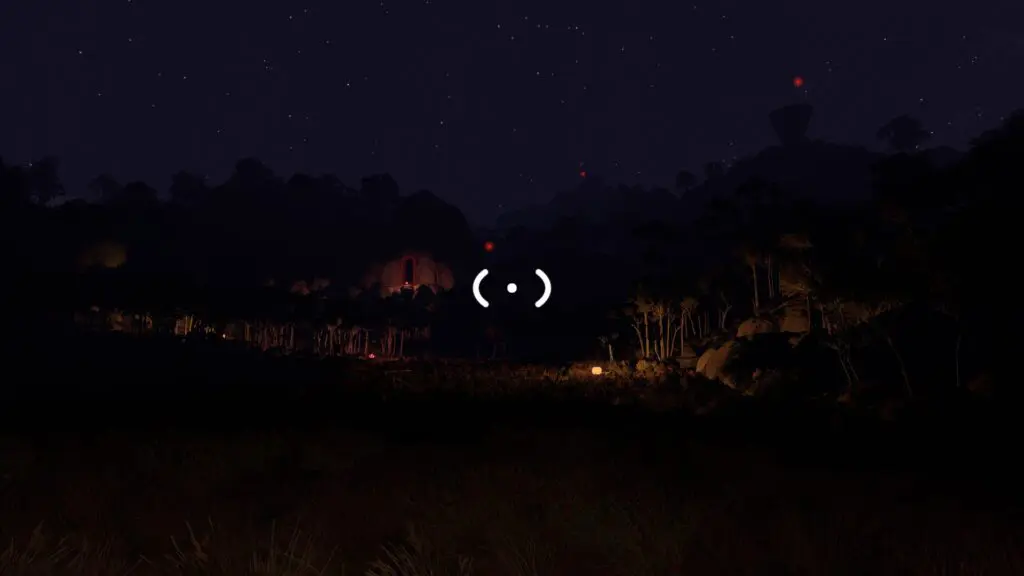
At night, look for a flashing red station light. On tower stations, binoculars help identify friends below and a laser pointer can mark the intended route for players who still have line of sight.
Recover a player who is lost
The lost player finds a station first
They broadcast their exact station and then stay by its receiver. The main group answers from its nearest station with one reunion point. The lost player does not leave until they hear and repeat the plan.
The main group finds a station first
Broadcast the same short message twice, then remain near the receiver. A lost player cannot answer unless they reach another transmitter, so silence does not prove the broadcast failed.
Nobody knows the nearest station
Use a stable fallback: the Map Room shortcut, one of the four coloured tower tops, or the main train station at 3380, 1740. Avoid choosing a small unnamed puzzle as the only meeting description.
Broadcast from a train
Each colour train has a station in its back carriage. Before speaking, say the train colour because the broadcaster's position is moving. Keep another player near the first-carriage lever if the group intends to stop for a pickup.
Do not promise an arrival time based on an unverified fixed schedule. Ask the waiting player to remain on a platform and identify the train by colour when it returns.
If nobody can hear the message
- Confirm the speaker is at the microphone-shaped transmitter, not talking into the receiver box.
- Hold the front button continuously while speaking.
- Confirm the listener is standing beside a fixed receiver.
- Have the listener wait through one short repeated message.
- Check whether the speaker's in-game microphone activity moves in **Settings
Audio**.
- If microphone activity is absent, solve the input-device problem before testing the radio network again.
The fixed broadcast stations solve a different problem from music channels. Music receivers unlock songs for the handheld radio; these transmitter/ receiver pairs carry player communication across distance.
Related guides
Big Walk Communication Tools
Choose radios, walkie-talkies, megaphones, flares, cowbells, whiteboards, pointers, or gestures for the current constraint.
Read guideBig Walk Radio Channels — All 7 Locations
Find and activate every music channel, pick up the handheld radio, and verify each numbered station before leaving the area.
Read guideBig Walk Train Route — Board, Stop & Regroup
Unlock the three train loops, stop a carriage with its front lever, board as a group, and recover players who miss a station.
Read guideBig Walk Voice & Text Chat
Use proximity voice or parity text chat, understand distance and walls, and keep communication inside the game.
Read guide