
Big Walk Radio Channels — All 7 Locations
Coordinates and landmark checks for channels 1–7, including the chairlift pickup and a clearly labelled tunnel spoiler.
Table of contents
The handheld radio can play seven music channels anywhere on the island, but each channel first has to be activated at its full-sized radio. This route gives the coordinate, landmark, and activation check for every channel.
What you need
- Unlock the Crosswalk so the first radio area is reachable.
- Pick up the handheld radio beside channel 1.
- Press the red activation button at every full-sized radio you find.
- Turn on the portable radio and confirm that the new numbered channel is now selectable before leaving the area.
The songs loop, so the radio can keep playing while the group walks or solves a challenge. A backpack keeps both hands free, although another player can still interact with the carried radio.
Channel quick reference
| Channel | Approximate grid | Visual landmark | Progress needed |
|---|---|---|---|
| 1 — red | 3700, 1190 |
Ocean-facing radio just beyond the Crosswalk music area | Crosswalk |
| 2 — purple | 4250, 2020 |
Purple music area south of the map | Chairlift is the convenient route |
| 3 — light green | 3820, 1620 |
Forest music area below the heavy-ball challenge | Crosswalk / Red Tower side |
| 4 — yellow | 3310, 1850 |
Yellow music area down the Blue Tower mountainside | Wider island access |
| 5 — secret | No safe surface reading | Underground dark room on the unmarked tunnel path | Yellow Tunnel; ending-area spoiler |
| 6 — blue | 3990, 1800 |
Pale blue platforms northwest of Green Tower | Wider island access |
| 7 — pink | 3310, 1280 |
Pink grid structure west of Yellow Tower | Wider island access |
The channel numbers are fixed; the order in which a group discovers them does not need to be numerical.
Channel 1 and the handheld radio
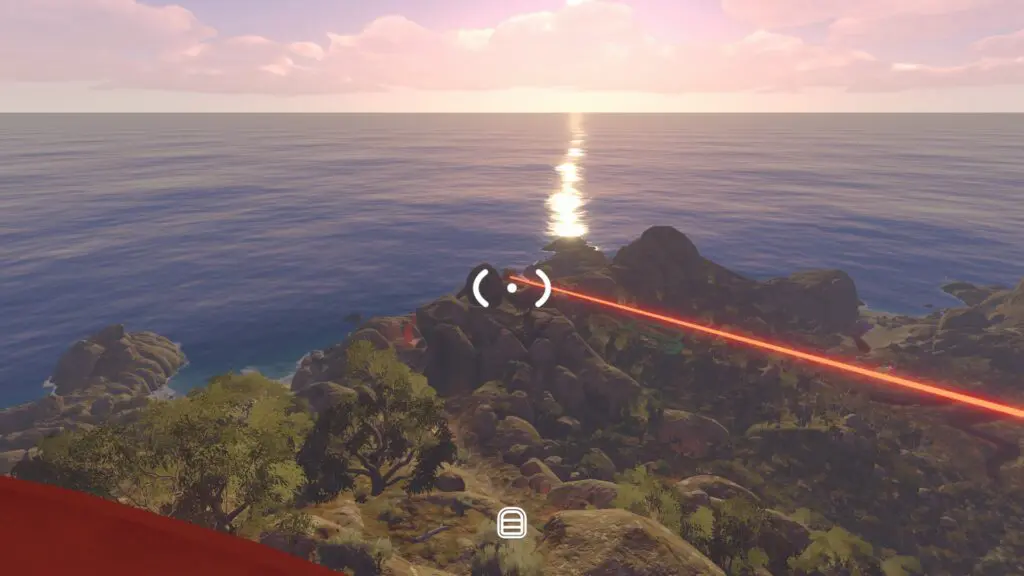
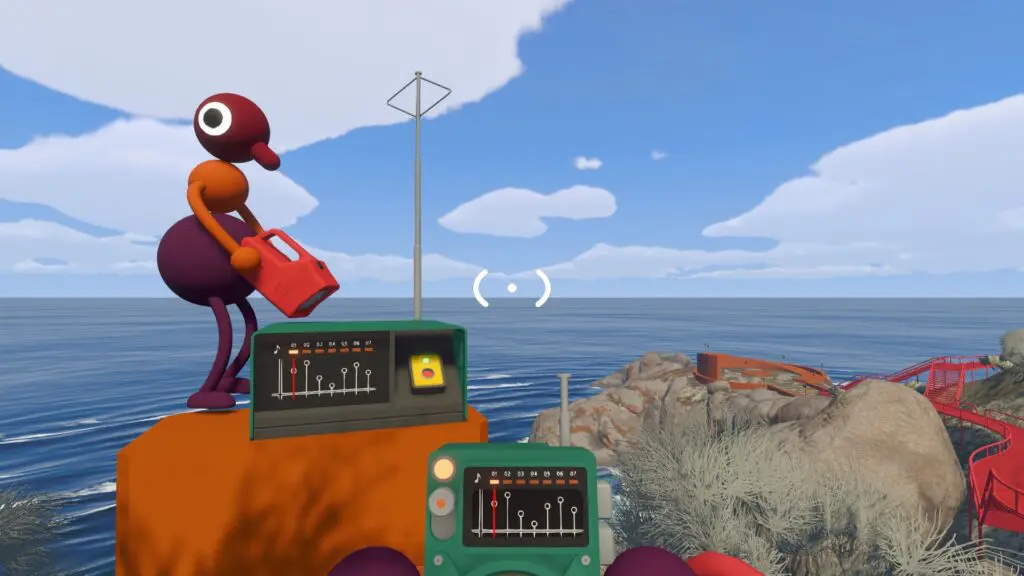
From the Crosswalk route, pass the first red music/rest area and continue up the stairs. Around 3700, 1190, a full-sized radio overlooks the ocean and a handheld radio rests beside it.
Press the full-sized radio's red button, then turn on the portable radio. If channel 1 plays and the other channel slots remain unavailable, activation worked correctly—you have not found the other receivers yet.
Channel 3 — light green forest area
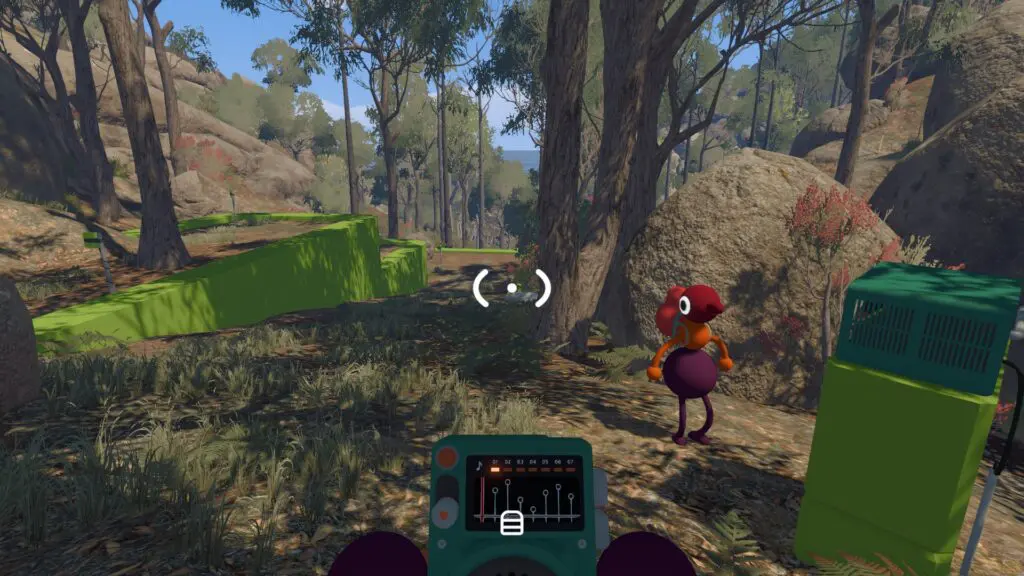
Go to approximately 3820, 1620 on the Red Tower side of the island. From the heavy-ball relay challenge, follow the path down into the forest and look for a light green music area with speaker structures. The activation radio is at the back.
This is a useful early second pickup because the group can combine it with the Red Tower puzzle route instead of making a separate cross-island trip.
Channel 4 — below Blue Tower
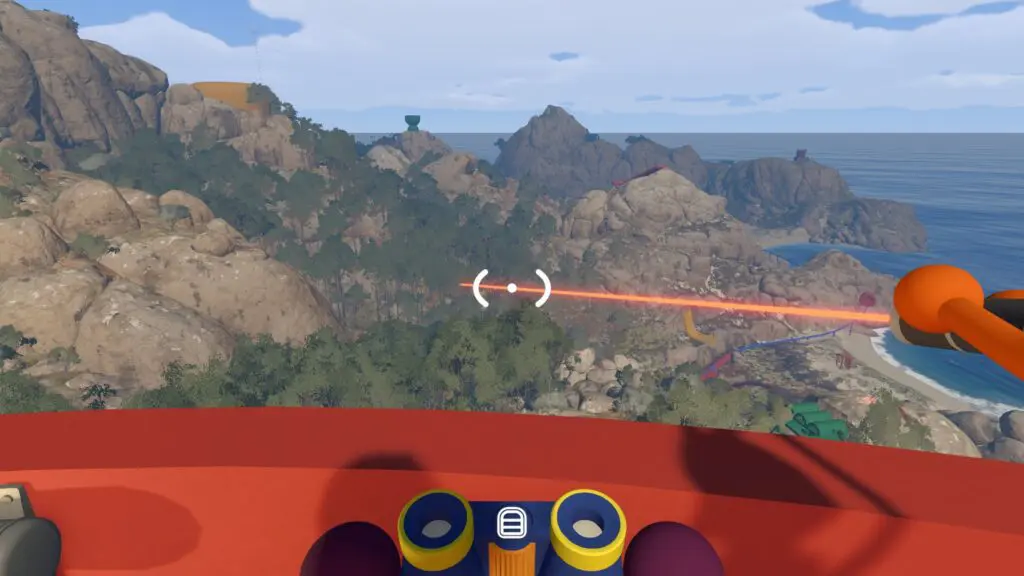
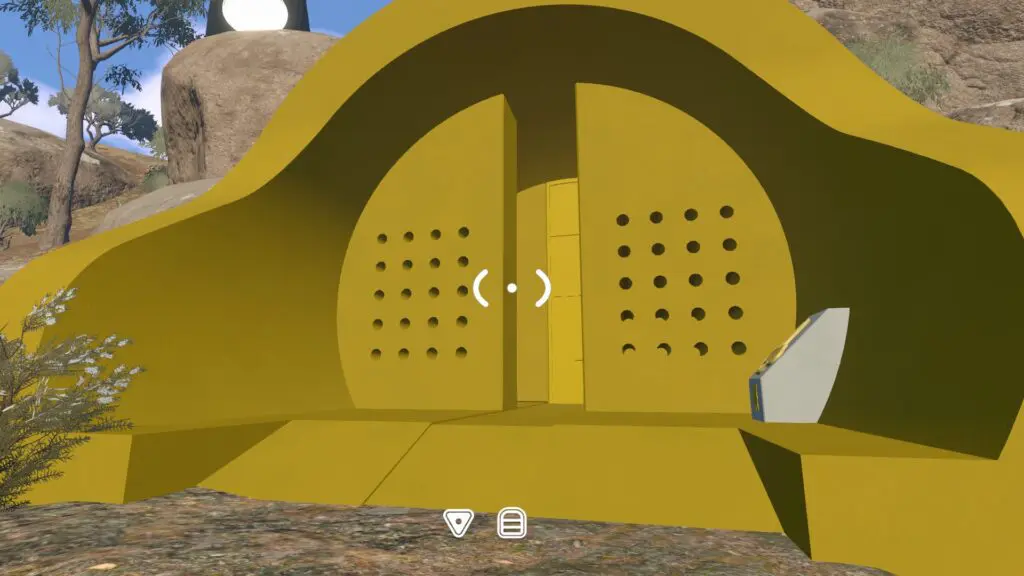
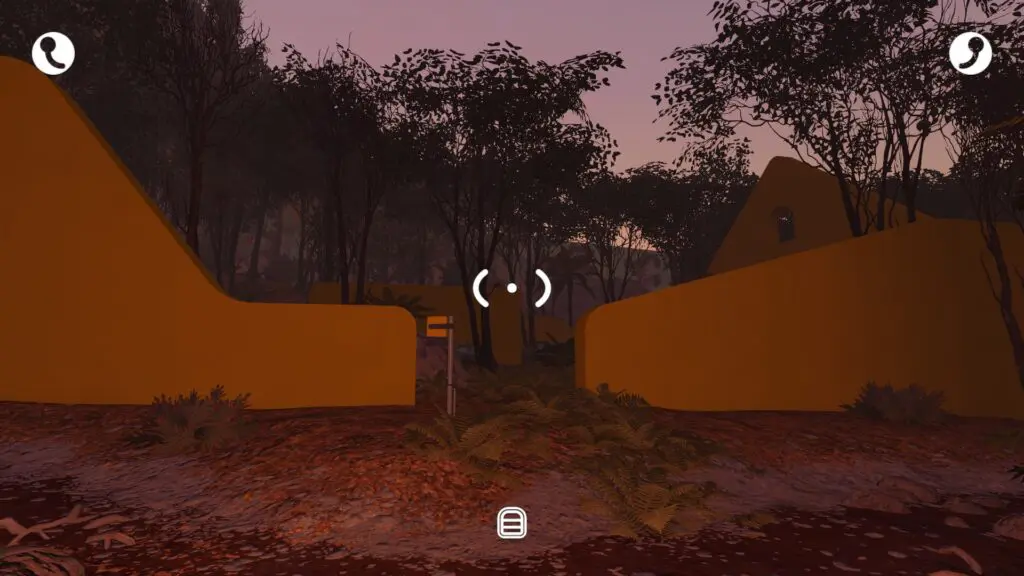
From Blue Tower, descend the mountainside toward 3310, 1850. The yellow music area sits below the tower, and its radio is toward the back beside a wall with window-like cutouts.
Check the coordinate before committing to a long downhill run; channel 7 uses
the same first coordinate but sits much farther north at 1280 on the second
axis.
Channel 6 — northwest of Green Tower
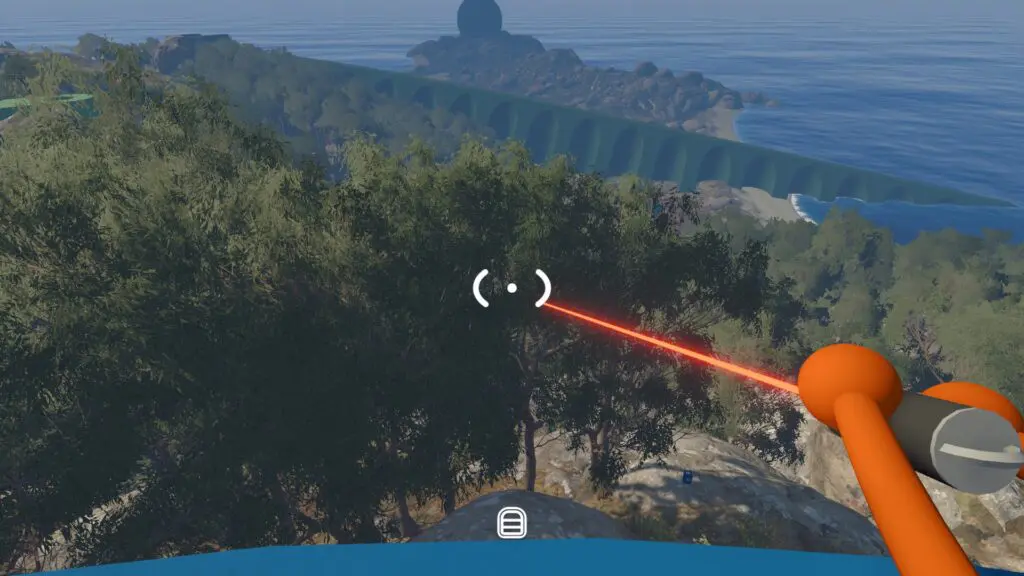
From Green Tower, look northwest for pale blue platforms between rocks and trees near 3990, 1800. The radio sits on a short blue platform with stairs, tucked against the rock face.
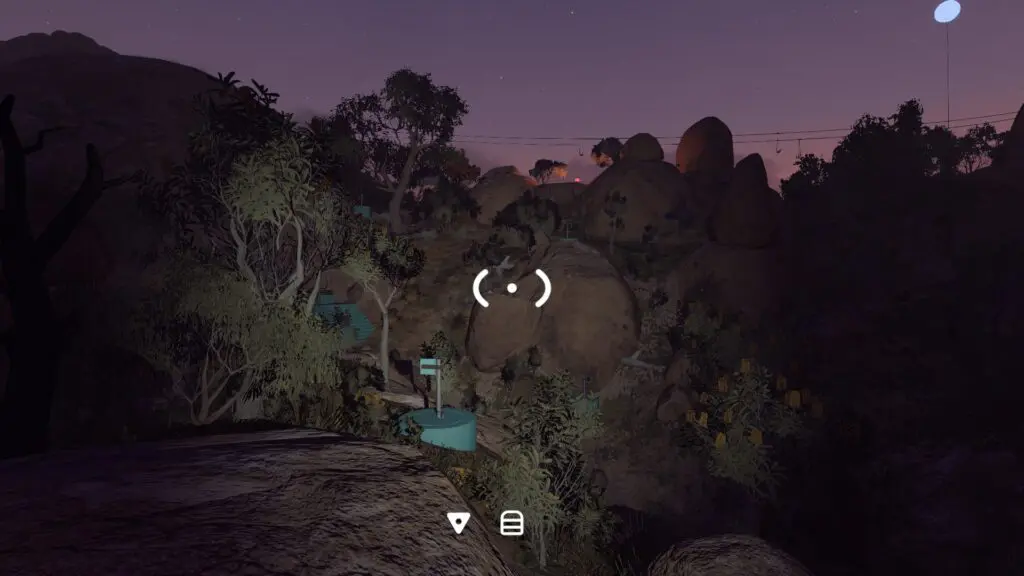
This landmark is much easier to distinguish in daylight. If the group arrives at night, use the coordinate tracker and scan for the blue platform edges rather than searching only for the radio itself.
Channel 7 — pink grid west of Yellow Tower
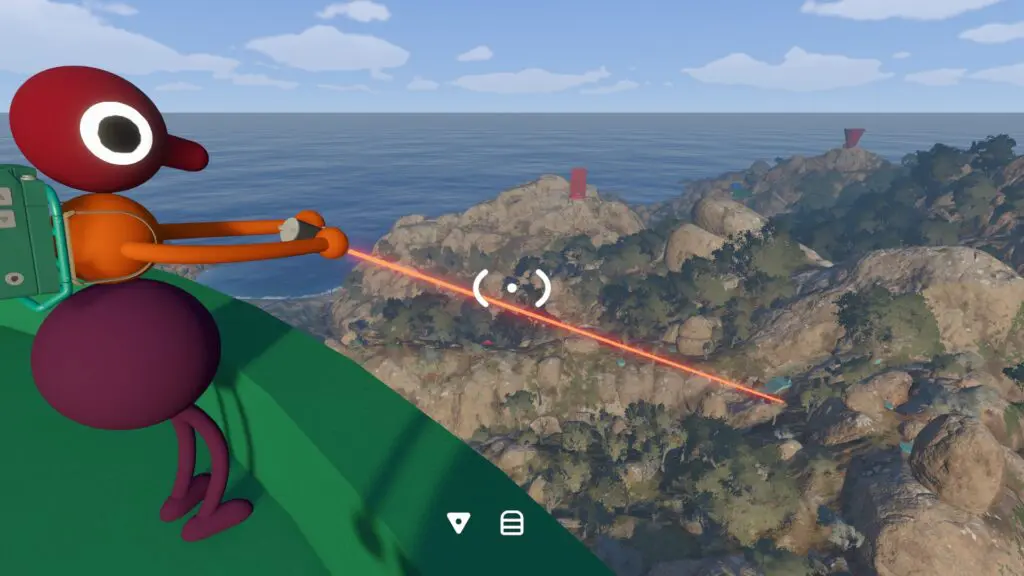
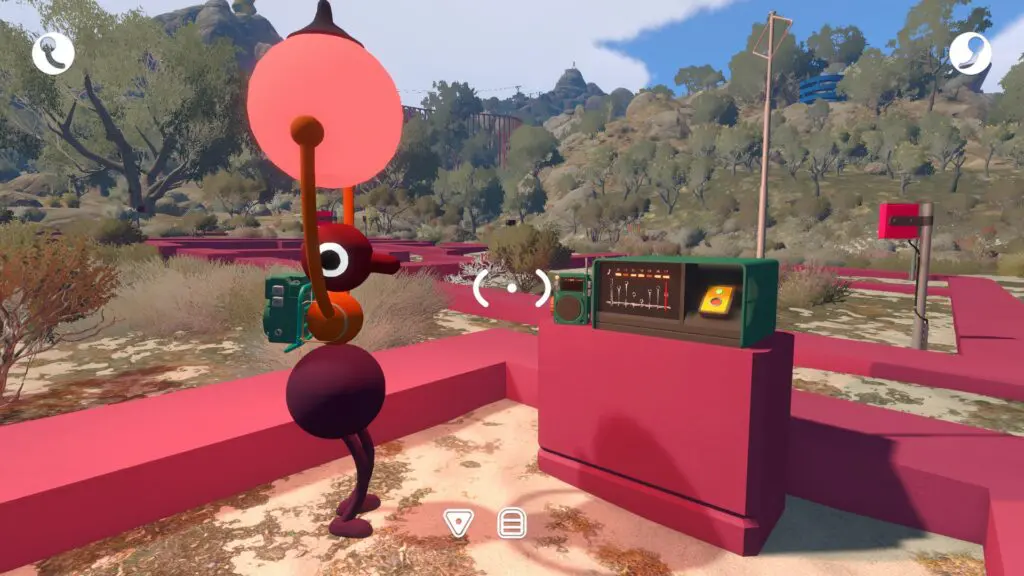
From Yellow Tower, look west for a large pink grid-like structure near 3310, 1280. Enter the music area and search toward its back for the activation radio.
Because the structure is visible at range, it is a good place to reunite before the group starts the Yellow Tower challenge loop.
Channel 2 — far-south purple area
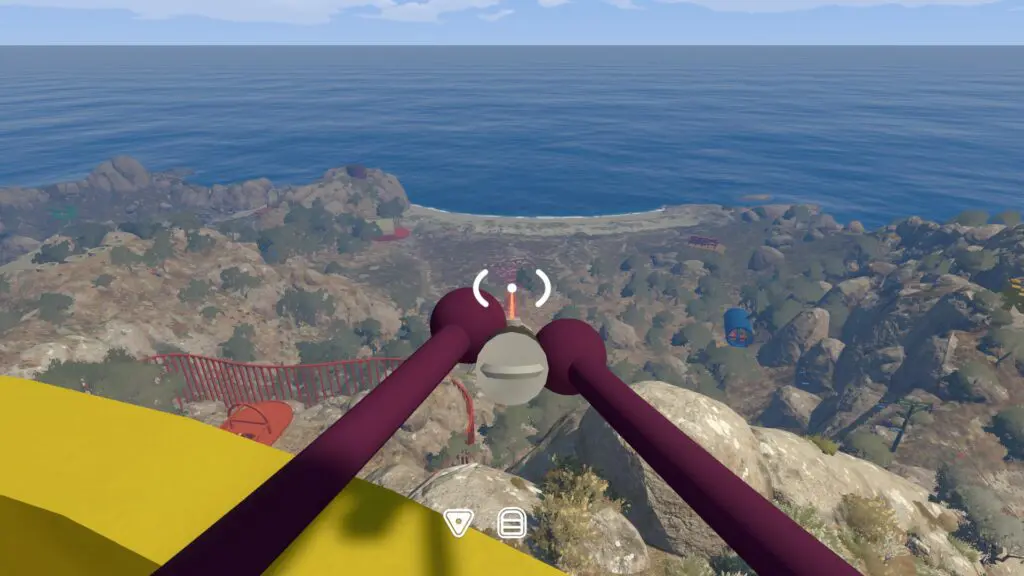
Ride the chairlift toward the far south, then descend a short way to the purple music area around 4250, 2020. The radio is visible near the entrance, so the group does not need to explore the whole arena just to activate the channel.
Use the chairlift boarding plan before this trip. Its long distance makes the pickup inefficient if a player misses the moving chairs and the group has no reunion point.
Channel 5 — secret tunnel route (spoiler)
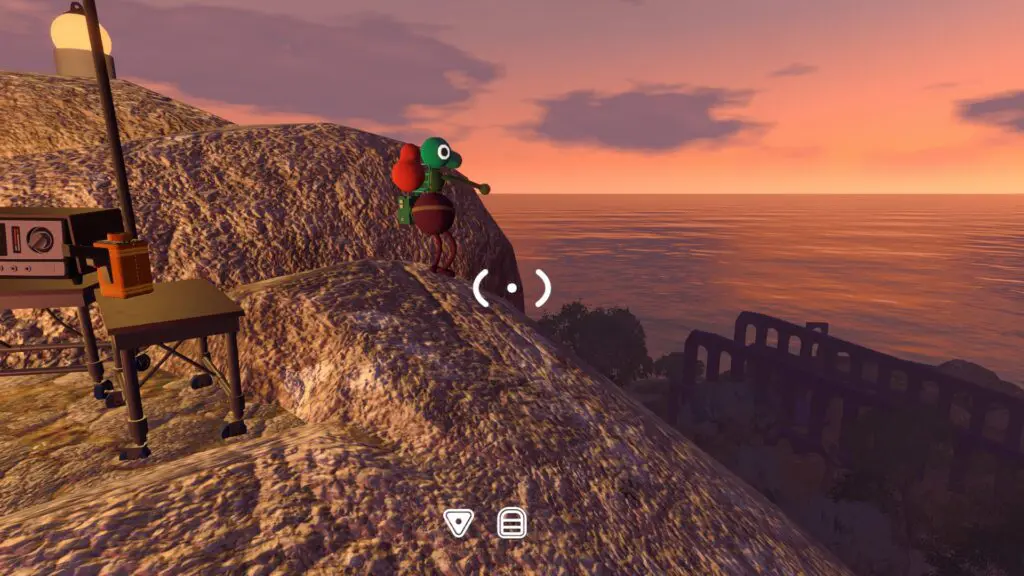
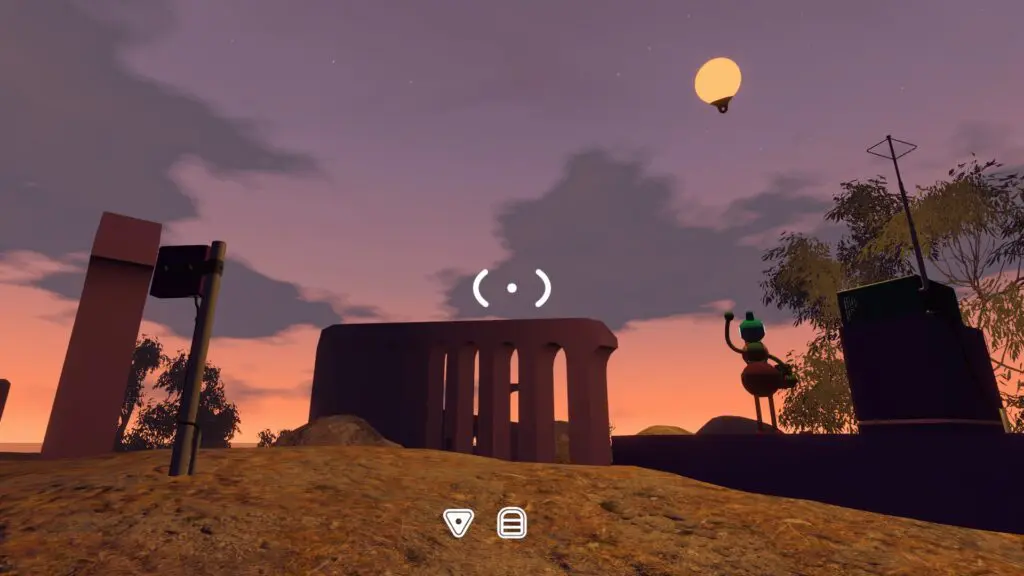
Channel 5 is deliberately last here because reaching it reveals a later-game area. First open the Yellow Tunnel at approximately 3500, 1620 with the shaped Yellow Tower key. Inside, take the grey/black path that is not marked by one of the coloured tower routes. It leads to a dark underground music room and the final activation point.
Do not send a spoiler-averse player ahead just to complete the radio. Agree as a group that you are ready for the tunnel route, assign a light carrier, and keep the tunnel entrance as the fallback reunion point.
If a channel stays locked
- Return to the full-sized radio, not merely the coloured music area.
- Press its red activation button again.
- Turn the handheld radio off and back on.
- Cycle through the numbered choices and confirm the newly available slot.
- If the expected slot is still absent, verify the area's coordinate and colour—especially channels 4 and 7, whose first grid reading is the same.
Related guides
Big Walk Communication Tools
Choose radios, walkie-talkies, megaphones, flares, cowbells, whiteboards, pointers, or gestures for the current constraint.
Read guideBig Walk Interactive Map — 230 Locations & Puzzles
Search 230 Big Walk locations on a terrain map, isolate all 45 puzzles, inspect solution cues and screenshots, track found markers, and open related wiki guides.
Read guideBig Walk Chairlift Route — Board & Regroup
Unlock the Green Tower chairlift, board moving chairs from the platform, protect carried items, and reunite separated players.
Read guideBig Walk Tunnel Route — Unlock & Enter Safely
Open the Yellow Tunnel, gather the whole party at its entrance, assign light and radio roles, and avoid unwanted ending spoilers.
Read guide