
Big Walk Host, Save & Join Code Guide
Keep the save with the right person and know exactly how the rest of the group reconnects.
Table of contents
The host is the keeper of a Big Walk save. Choose that person deliberately: future sessions need the same host to continue from the group's saved progress. A Join Code lets friends enter the active session, but it does not move the save to a different host.
Start a session
- The host starts first.
- The host chooses the 2-player, 3-player, or 4+-player version of the world.
- Friends join from the active friends-game list or enter the Join Code.
- Once everyone is present, test in-game communication before leaving together.
The game saves the host's progress automatically. There is no manual save step for the group to coordinate.
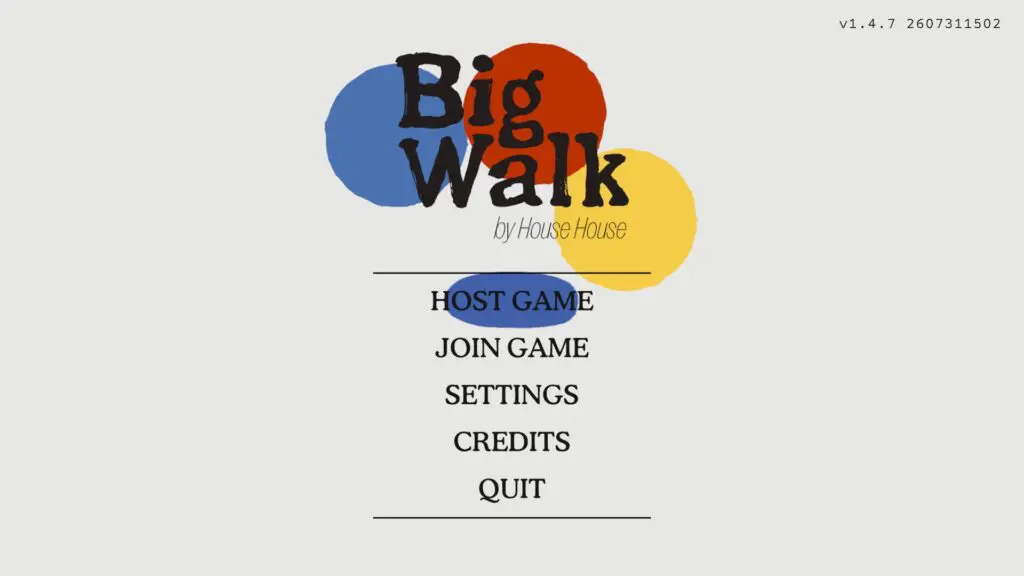
Find the Join Code
Before starting the game, the code appears in a corner of the host menu. After the session has begun, the host can open the in-game menu and choose Session Details to see it again.
Each new hosted session generates a short, unique code. Share the current code, not one saved from an earlier session.
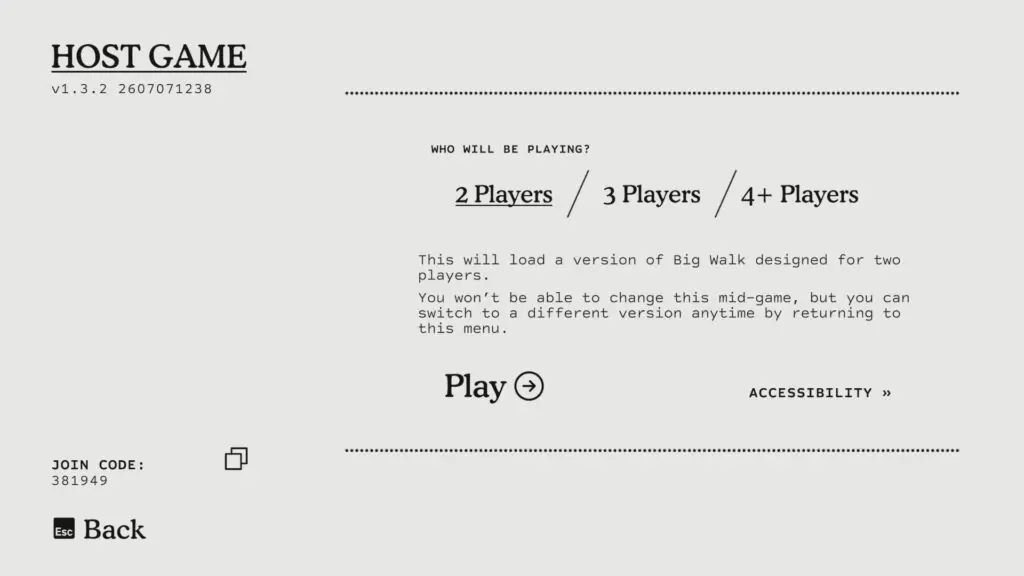
The player-count choice controls which version of the cooperative world loads. The menu warns that it cannot be changed mid-game. To switch versions, the host must return to the menu and start the appropriate version from there.
Use the friends-game list
An active host should appear automatically when the two players are friends on the service used by their current system. If the room does not appear, add the host as a friend on that service or use the Join Code instead.
The Mac App Store version does not support a Game Center friends-game list, so Mac App Store players should join by code.
Change the session password
The host can change the password while the game is running. Open the in-game menu, choose Session Details, and update it there.
Continue later
When the original host returns to Host Game, choose the existing save file and select Continue. Check the save name and Last Played time before opening it; Delete sits on the same screen and is not part of the resume flow.
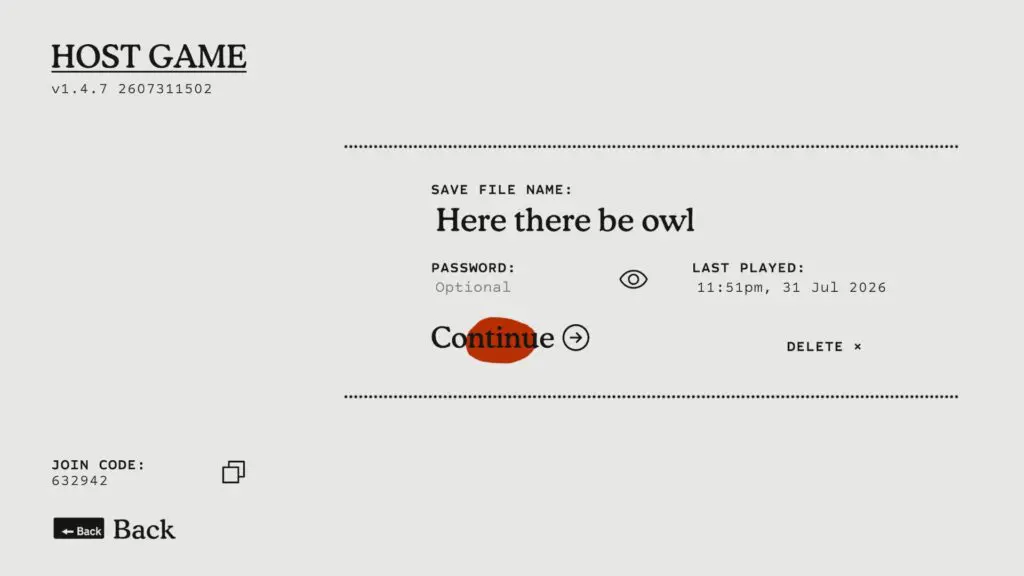
When the host ends the session, every other player is disconnected. To resume the same journey, have the original host start again and give the group the new Join Code. Changing hosts means changing the save that the group enters.
Previously collected carry items can return with the host's loaded save. Once the group spawns, check the active player's hands and carried equipment before walking back to an item location or assuming progress was lost.
If an important carried item is still absent, follow the Lost & Found recovery checklist. It separates the starting-hub route from the different fallback observed for a loose puzzle reward.
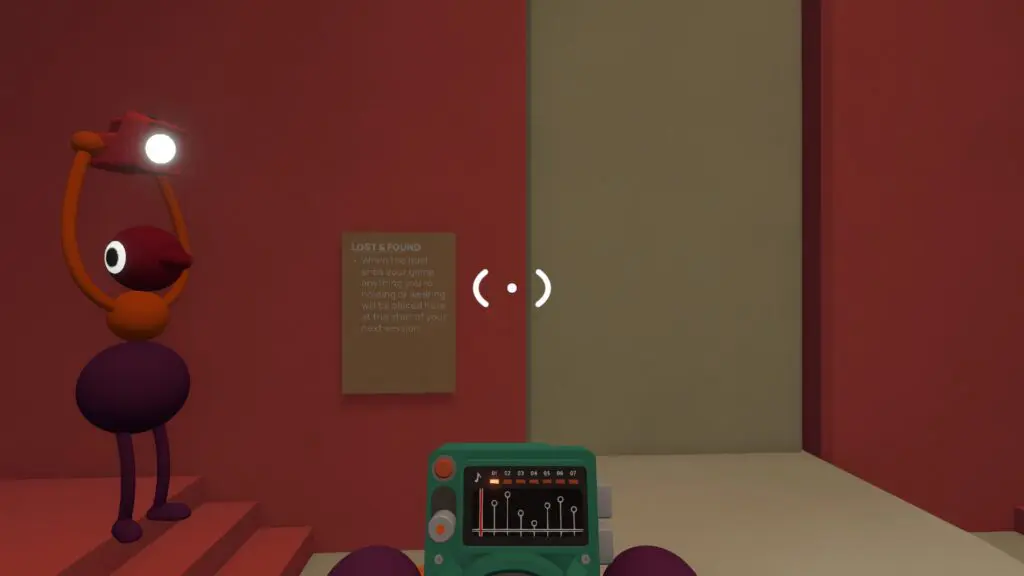
Quick recovery checklist
If the group cannot find its old progress:
- confirm that the original save owner is hosting;
- confirm that the host selected Continue, not a new save;
- compare the save name and Last Played time with the expected session;
- have friends use the newly generated Join Code;
- check carried items and the last unlocked route before declaring the save incomplete.
Related guides
Big Walk Multiplayer & Crossplay
Choose a 2-player, 3-player, or 4+ world for the dependable group, then check platforms, crossplay versions, solo limits, and matchmaking.
Read guideBig Walk Beginner Guide — Your First Hour
Choose the right host and world size, test in-game communication, and avoid the most common first-session mistakes.
Read guideBig Walk Troubleshooting — Mic, Joining, Lag & Controls
Follow official checks for missing sessions, silent audio, microphone trouble, echo, low frame rate, controls, graphics, and lag.
Read guide