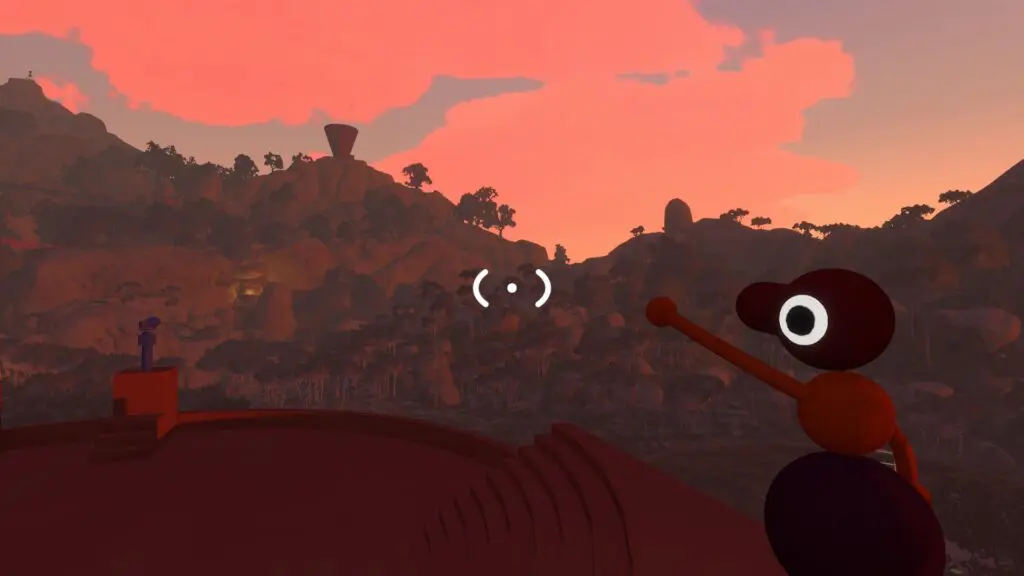
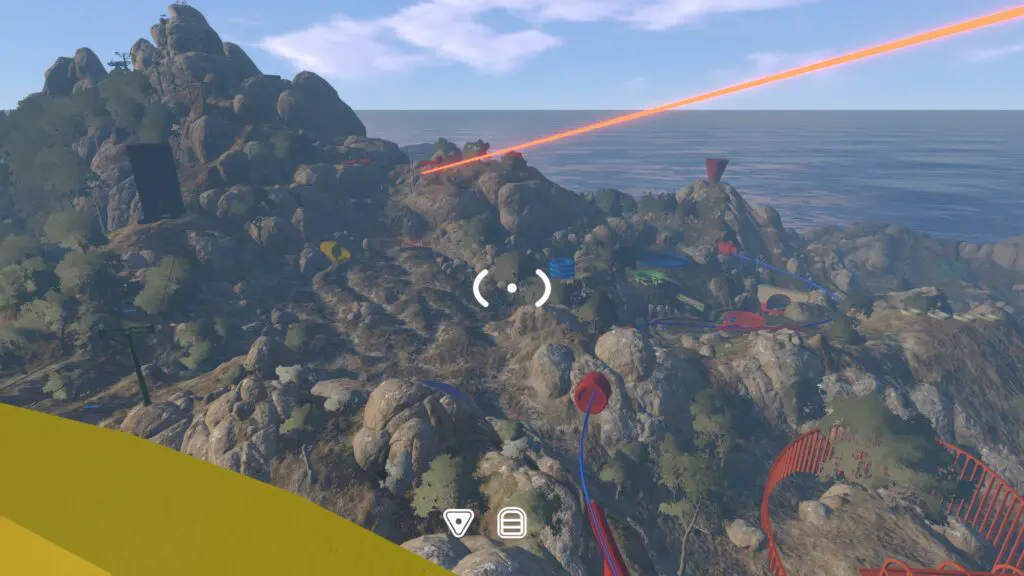
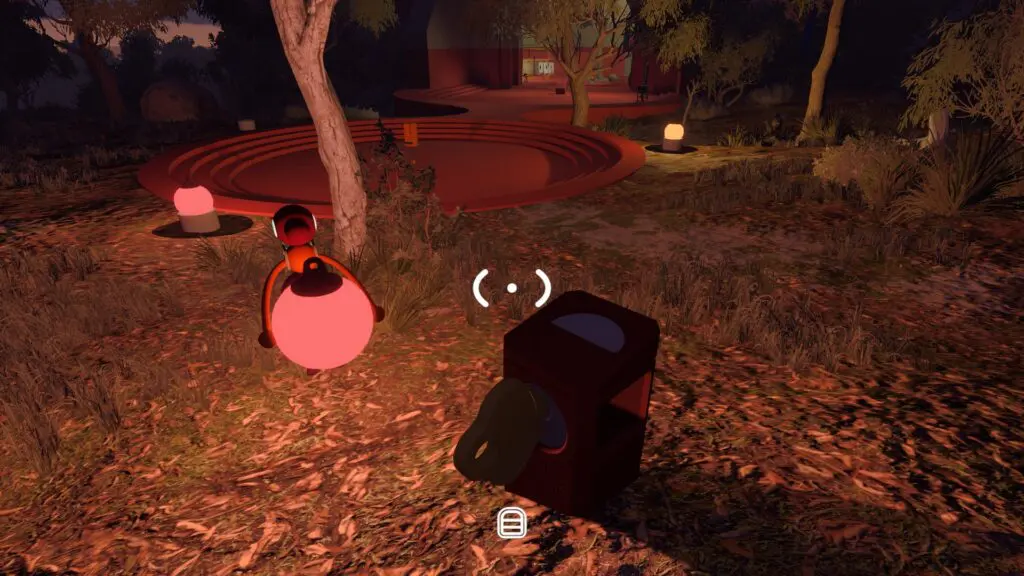
Original wayfinding artwork with branching trails, co-op markers, a radio signal, and a distant route flag

Independent wiki for House House's Big Walk

Big Walk Wiki

Start together, stay in contact, find the next landmark, look up a tool, or repair the exact problem holding your group back.

Released
2026-08-04
Group size
Online co-op for 2–12 players
Crossplay
Cross-platform multiplayer
Save owner
The host keeps the automatically saved progress
Original relative route schematic connecting the Big Walk opening, Crosswalk, Map Room, towers, trains, chairlift, and tunnels
Relative route only — not to scale, north-aligned, or complete.

Landmark first

Use a route schematic without pretending it is a full map

Major unlock targets are useful even while exact coordinates and every puzzle variant remain unmapped.

Orient around the Crosswalk, Map Room, tower routes, trains, chairlift, and tunnels, then let the world itself supply the smaller clues.

Use the site in one session

From group setup to the next landmark

A cooperative adventure from House House and Panic about exploring, solving puzzles, and communicating with friends.

The wiki keeps the route short: prepare, communicate, orient, solve the visible problem, and record what the group completed.

Read the scope

A session loop

  1. 01Choose the long-term host
  2. 02Test in-game communication
  3. 03Name the next unlock target
  4. 04Use the right tool or fix

Choose a task

Five different ways to use the Big Walk Wiki

Setup guides, spoiler-light puzzle navigation, landmarks, a tools database, and achievements each have their own task shape.

01

Big Walk Guides — Start, Host & Fix Your Session

Set up multiplayer, keep the right host, use in-game communication, configure access options, and repair common session problems.

Big Walk Beginner Guide — Your First Hour

A spoiler-light first-session plan for getting 2–12 friends into the same Big Walk world and keeping the save usable.

Big Walk Troubleshooting — Mic, Joining, Lag & Controls

Pick the symptom you can observe, then change one relevant thing at a time.

Guides
02

Big Walk Puzzles — Spoiler-Light Progress Navigator

Identify the larger unlock target blocking the group without inventing small-puzzle names or assuming one solution fits every world size.

Big Walk Puzzle Teamwork

A reusable spoiler-free method for solving adaptable Big Walk puzzles as a communication team.

Puzzles
03

Big Walk Map & Landmarks — Route Finder

Use a deliberately incomplete landmark and transport guide to decide where the group should look next.

Big Walk Map & Landmarks — Scoped Route Guide

A relative landmark sequence for choosing the group’s next travel goal.

Map & Landmarks
04

Big Walk Tools & Toys Database — Uses & Route Cues

Search a scoped set of communication, navigation, carrying, visibility, puzzle, and social tools by the job they need to do.

Big Walk Communication Tools

Match distance, obstruction, speech, visibility, or regrouping problems to a useful in-game tool.

Tools & Toys
05

Big Walk Achievements — 12-Item Spoiler-Safe Checklist

Track all 12 Steam achievements locally while keeping the two hidden descriptions behind a spoiler-safe boundary.

Big Walk Achievement Route — Spoiler-Safe Order

A route through visible achievement goals without an unsupported 100 percent or missability claim.

Achievements

Fast answers

Questions that change the session plan

Answer the group-size, matchmaking, microphone, save, and map-scope questions before they create a dead end.

01Does Big Walk have random matchmaking?

No. Organize a group you know, then join through platform friends or a rotating Join Code.

02Can I play Big Walk without a microphone?

Yes. In-game text chat follows the same intentional distance, wall, and item limits as voice chat.

03Who keeps the Big Walk save?

The host keeps progress automatically. The same host needs to start again when the group resumes.

04Is this a full Big Walk map?

No. The current route finder covers dependable landmarks and travel unlocks without inventing coordinates or claiming every point of interest.

Ready for the next part of the walk?

Ready for the next part of the walk?

Start with the first-hour checklist or use the troubleshooting tree when a session is already stuck.