
Big Walk Beginner Guide — Your First Hour
A spoiler-light first-session plan for getting 2–12 friends into the same Big Walk world and keeping the save usable.
Session-ready check
Four checks before the group walks away
This checklist resets when the page reloads; it is for the session in front of you.
Table of contents
Big Walk starts with group setup, not matchmaking. Bring at least one friend, choose one person to keep the save, and get everyone into the same session before you set off. This route stays spoiler-light while covering the systems that most often slow down a new group.
Before the host starts
- Choose a host who can return for future sessions. The host keeps the save and must host again when the group wants to continue.
- Count the players who will stay for most of the session. The host chooses a 2-player, 3-player, or 4+-player version of the world. Treat that choice as the minimum reliable group size, not the lobby limit.
- Decide whether each player will use voice chat, text chat, or both. A microphone is optional because text chat follows the same game rules as voice chat.
- Keep the Join Code ready for anyone who cannot join through a platform friends list.
Big Walk has no solo campaign or random matchmaking. A lone player can walk around, but cooperative rooms block meaningful progress, so confirm that at least two players can enter the same world before committing to the save.
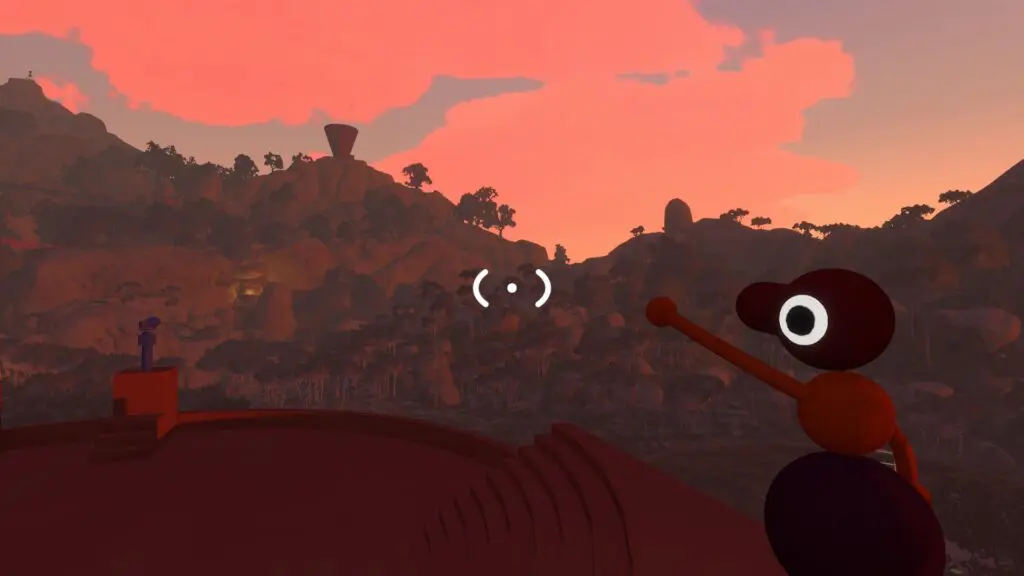
Do not rush through the tutorial area
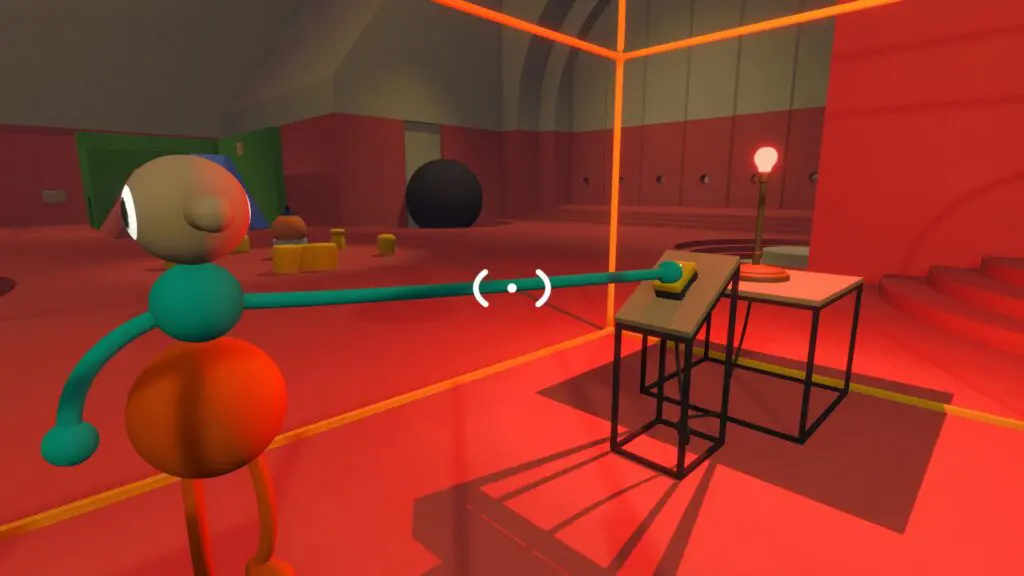
Use the starting space as a low-risk systems check. Move, crouch, jump, point, wave, pick up and drop an object, and make sure every player can activate a button. If one input or communication method fails here, fix it before the group reaches a split-room puzzle.
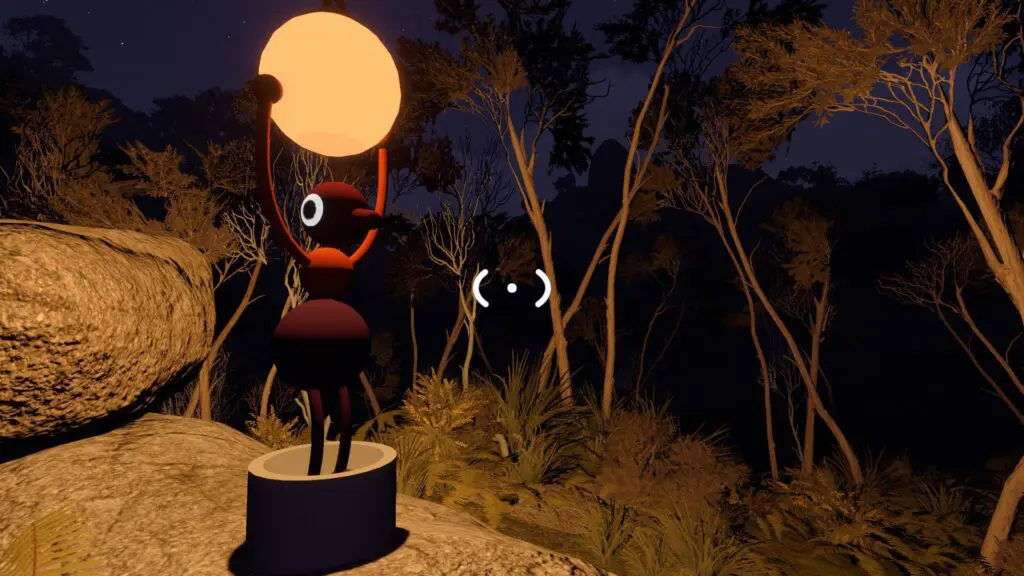
Carry light, then use lanterns at night
You do not need to carry every toy you find. Keep one navigation or communication tool available and leave room for a puzzle object. At night, lanterns make wooded routes and interactable objects much easier to read. A lantern can also be placed so the whole group benefits instead of one player holding it continuously.
Learn the distance rule before anyone gets lost
Voice and text are local systems. Voices fade with distance, react to corridors and walls, and change when sent through a walkie-talkie. Text also becomes unreadable across distance or soundproof glass. Test the cutoff by having one player walk away while the other keeps talking or typing, then return to visual range.
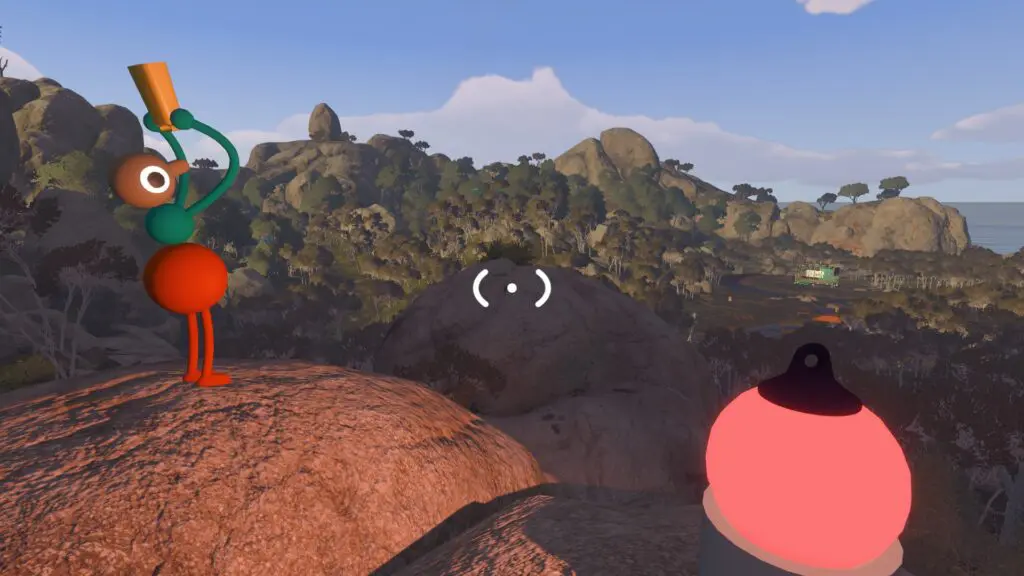
Pick a reunion rule while everyone can still hear it. The simplest version is to return to the last large landmark where every player could see the rest of the group. Call boxes and other obvious structures also work as local rally points when the route branches.
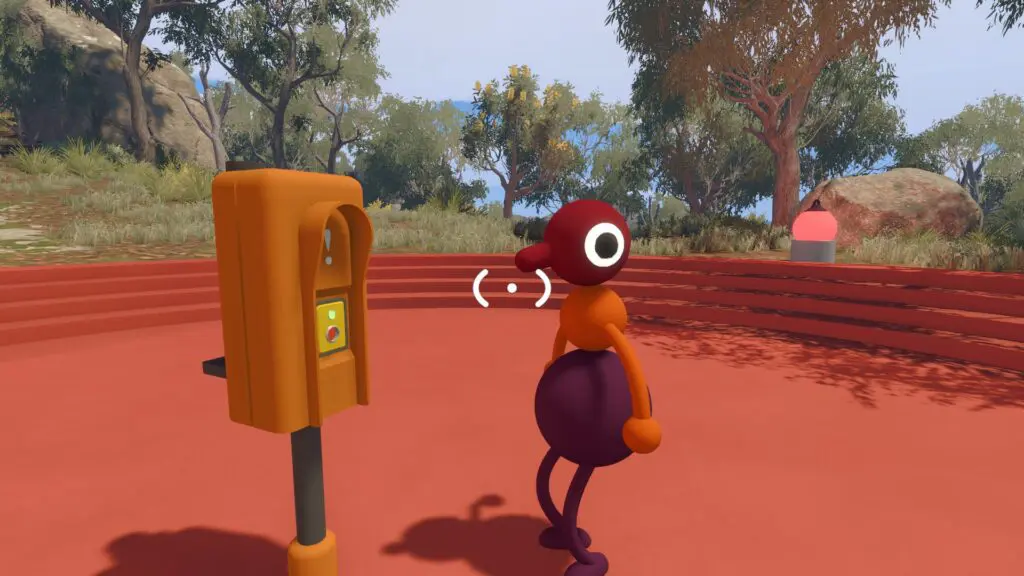
Use the right tool for long-distance communication
Walkie-talkies are the main two-way option. Put every set on the same unlocked channel, have one player transmit a short message, and require the receiver to repeat the key detail. Radio equipment placed around the island can extend that method when players are working at distant puzzle stations.
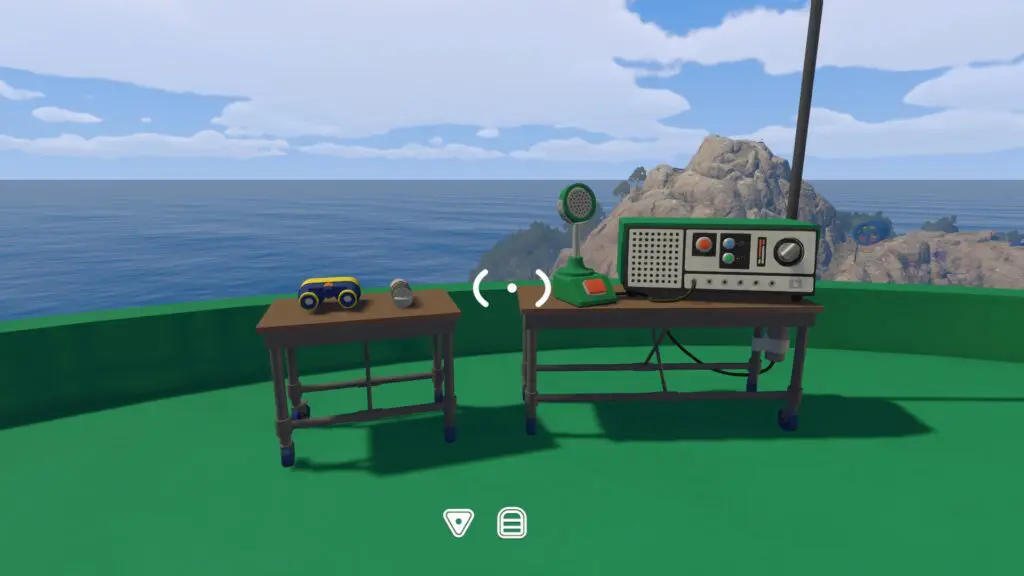
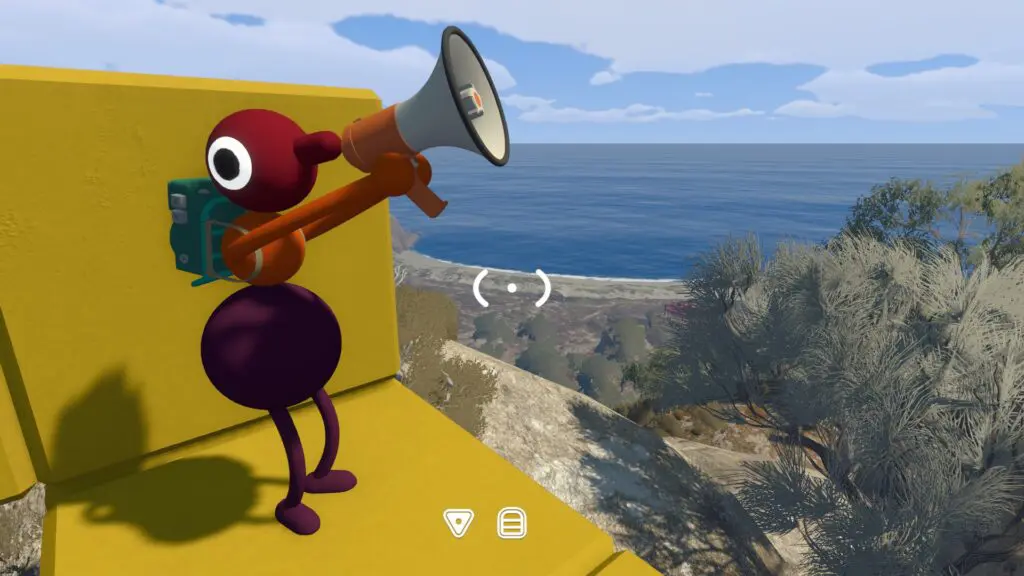
A megaphone is different: it makes a nearby call easier to notice but is not a replacement for a matched radio channel across the island. Use it for a short direction, countdown, or rally call rather than a complicated puzzle code.
Treat arms as a second language
Pointing, waving, and holding an arm toward a switch are useful when speech is blocked or a room is soundproof. Before leaving the tutorial, agree on three signals: stop, come here, and press or hold this. Keep the gestures large and pause between them so the other player can read the change.
Practise stacking before a puzzle demands it
Some routes require one character to stand on or be lifted by another. Start on flat ground, let the lower player stop moving, and approach slowly. If the top player slides off, reset the stack instead of trying to steer both bodies at once on a ledge.
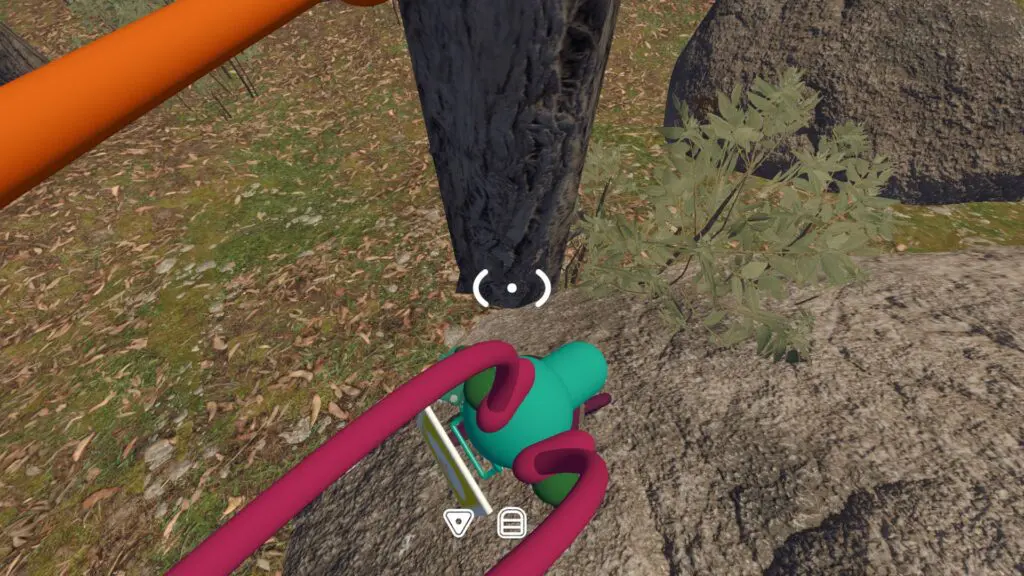
Increase carrying capacity when the route opens up
Without a bag, carrying puzzle pieces alongside a lantern, radio, or compass becomes awkward. Backpack and hip-bag pickups add useful carrying slots. Equip one when the group finds a bag location, then decide who carries navigation, communication, and puzzle objects instead of duplicating every item.
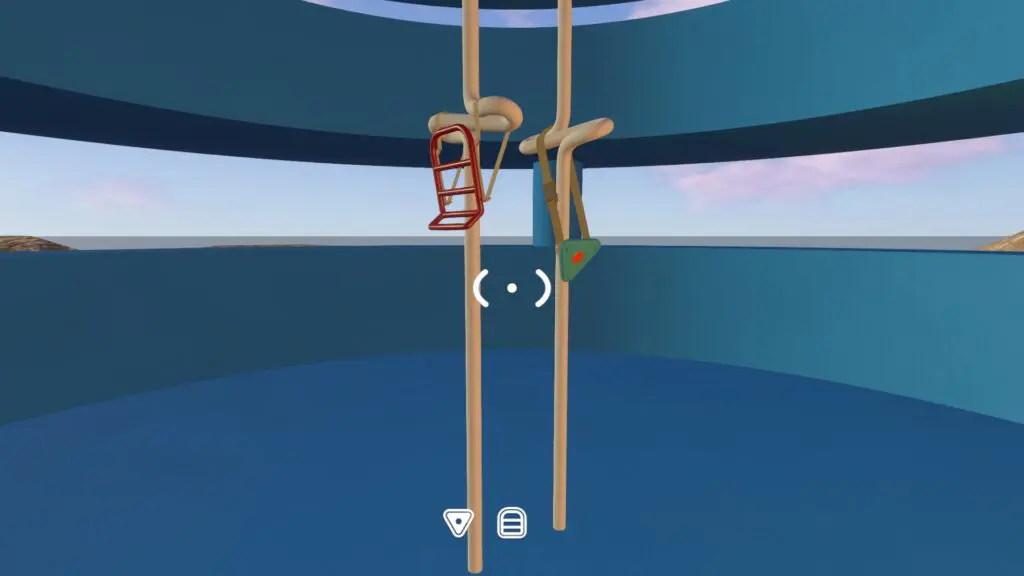
Open shortcuts as soon as you reach the far side
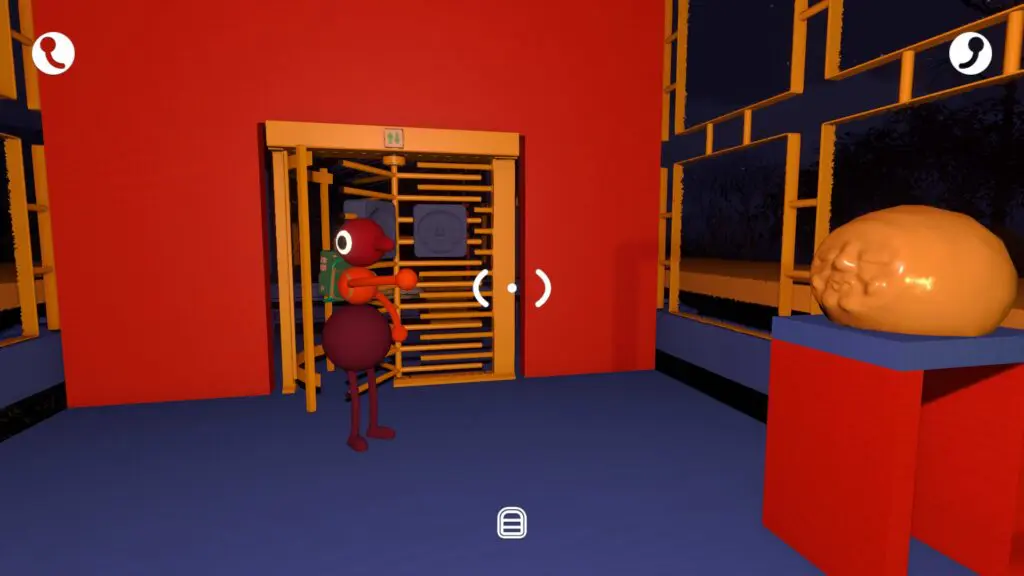
When a route ends behind a one-way gate or large door, check for a nearby button before walking away. Opening the shortcut turns a long recovery walk into a short return path and gives separated players a recognizable entry.
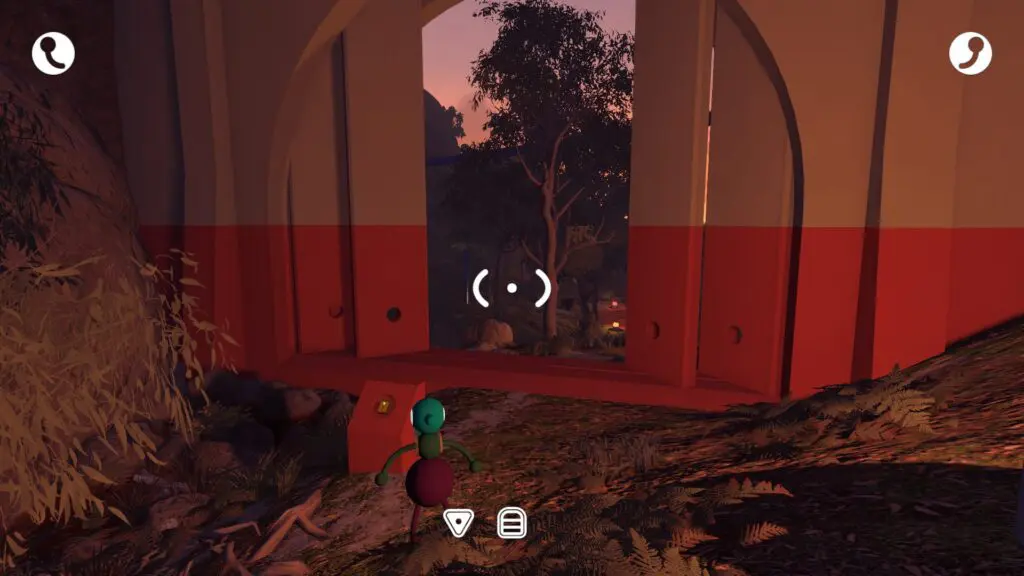
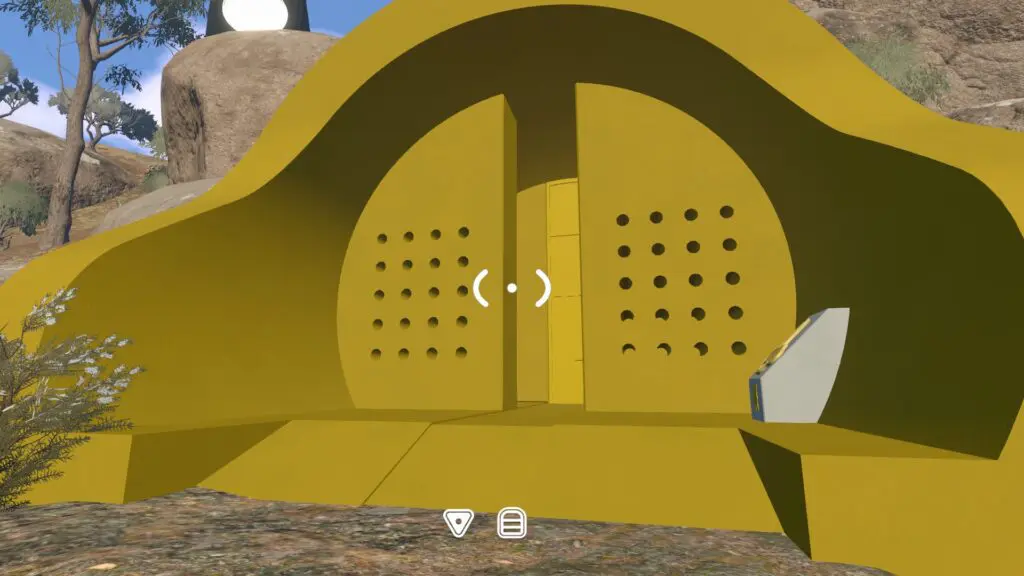
Some shortcuts use a distinctive coloured building or door instead of an ordinary gate. Confirm that the opening animation finishes, then have a second player pass through before the group treats the route as unlocked.
When the session ends
The host's progress saves automatically. When the host stops the session, everyone else is disconnected. Make a note of who hosted, the last shared landmark, and any item the group deliberately left there so the next walk can resume from the same save without retracing the entire first hour. If an important item is missing after the reload, use the Lost & Found recovery route before starting over.
Related guides
Big Walk Multiplayer & Crossplay
Choose a 2-player, 3-player, or 4+ world for the dependable group, then check platforms, crossplay versions, solo limits, and matchmaking.
Read guideBig Walk Host, Save & Join Code Guide
Choose the long-term host, find a rotating Join Code, join through friends, and resume the same save later.
Read guideBig Walk Voice & Text Chat
Use proximity voice or parity text chat, understand distance and walls, and keep communication inside the game.
Read guideBig Walk Puzzle Teamwork
Choose a 2, 3, or 4+ world, divide observation jobs, and use in-game communication limits as part of the puzzle.
Read guide